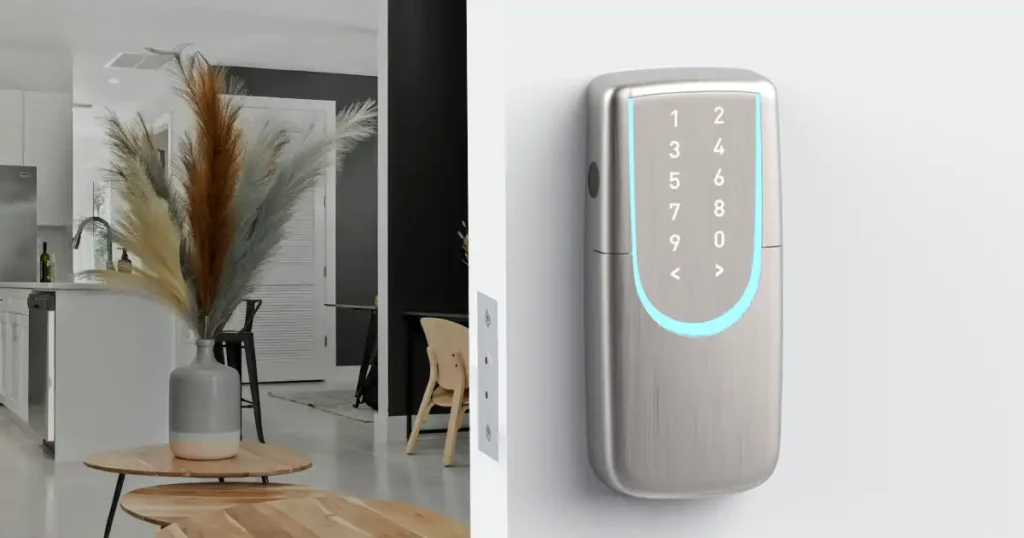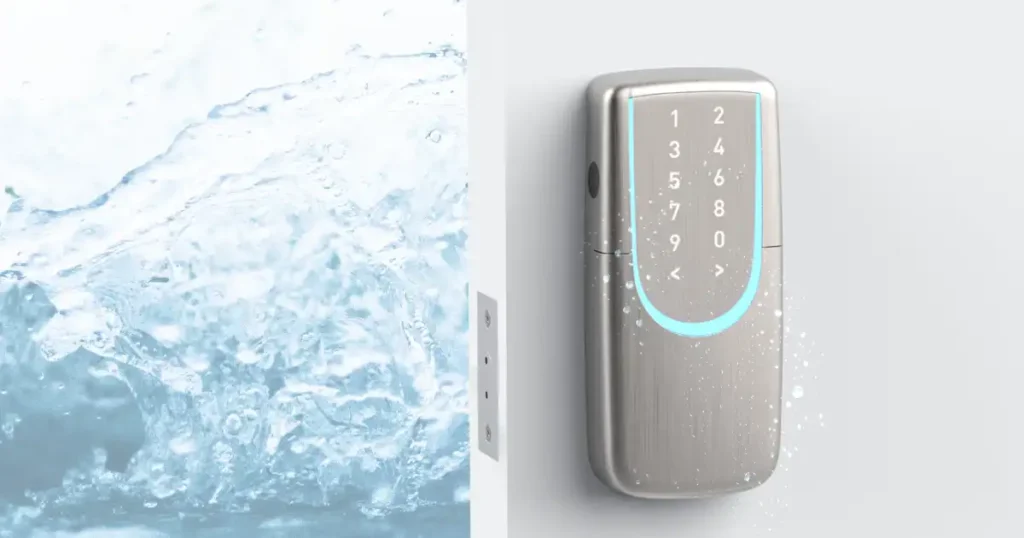
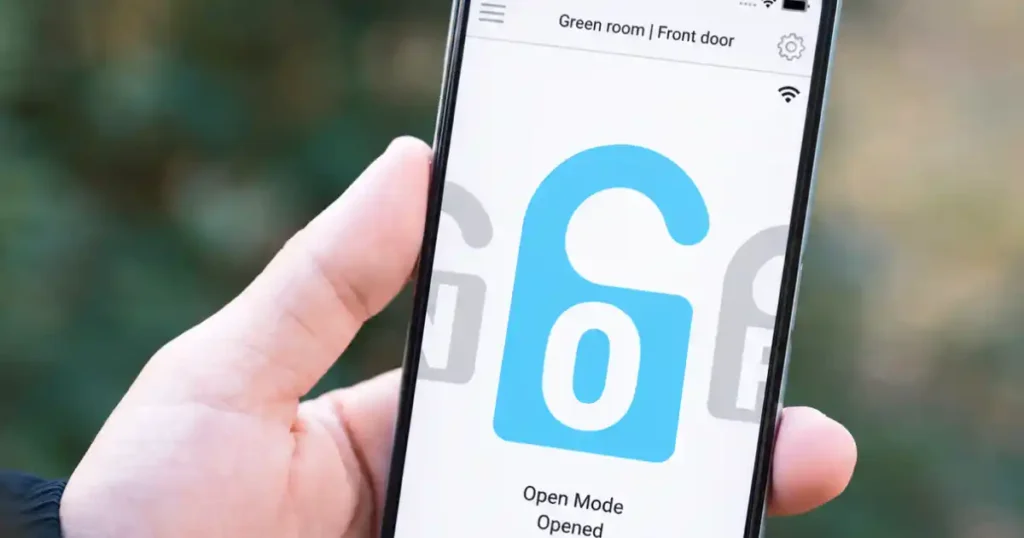
The main benefit of connecting a smart lock to your phone is the ability to manage your door even when you’re away. With Wi-Fi and a mobile app, you can remotely unlock the door, check lock status, manage access permissions, and review access history. Bluetooth-only smart locks, on the other hand, typically require you to be near the lock.
5 Everyday Use Cases
You’ve probably heard that “smart locks are convenient.” But instead of talking about convenience in general, here are five real-life situations where connecting your smart lock to your phone can make a practical difference.
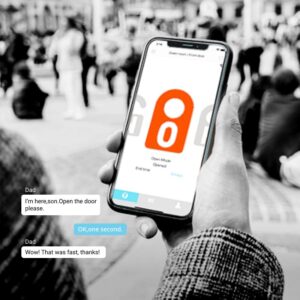
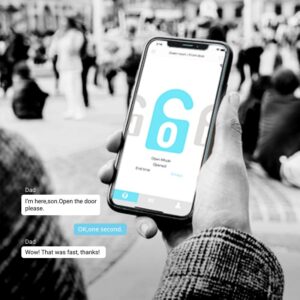
1. When Someone Arrives Unexpectedly
No need to rush home or hide a spare key outside.
A friend arrives earlier than expected. A repair technician is waiting at your door. Your cleaner shows up ahead of schedule.
With a Wi-Fi-connected smart lock, you can unlock the door remotely through the app or generate a temporary passcode for your visitor. Once the specified access period ends, the code automatically becomes invalid.
2. No More Key Handoffs
No need to collect keys from tenants or worry about unauthorized copies.
Once a physical key is handed over, it can potentially be copied. You also need to arrange for the key to be returned when a rental or service period ends.
With app-based access management, you can assign different access schedules to different users:
- Regular cleaning staff: Allow access only every Tuesday from 2:00 PM to 4:00 PM.
- Short-term guests or tenants: Set access from check-in to check-out. Permissions automatically expire when the scheduled period ends.
3. Check Access History Anytime
See when your door was accessed directly from your phone.
Traditional locks cannot tell you when someone entered your home. SGUDA smart locks can send access activity to your phone and keep a record for later review.
- For families: Check when children or elderly family members arrive home and receive notifications on your phone.
- For offices and rental properties: Review access history and see who entered during specific periods, including outside normal business hours.
4. Check Your Lock Status Remotely
Not sure whether you locked the door? Check the app instead of going back home.
After leaving home, simply open the SGUDA App to check your current door lock status.
5. Set Regular Unlock Hours for Shops and Workspaces
Keep the door unlocked during business hours and automatically return to secure mode afterward.
In offices, clinics, studios, and retail stores, employees, suppliers, and visitors may enter and leave frequently.
If the smart lock automatically locks every time the door closes, someone may need to repeatedly unlock the door for visitors.
With Custom Mode in the SGUDA App, you can schedule the door to remain unlocked during specific hours—for example:
Monday–Friday, 9:00 AM–6:00 PM
During business hours, visitors can simply open the door. After the scheduled period ends, the lock automatically returns to its normal locking mode.
Bluetooth vs. Wi-Fi Smart Locks
When a smart lock says it “supports an app,” check how the lock actually connects to your phone.
- Bluetooth:
Bluetooth typically works only within a limited range. You can use your phone to manage the lock while you’re nearby, but remote control is generally unavailable once you leave Bluetooth range. - Wi-Fi:
A Wi-Fi smart lock connects through the internet, allowing you to manage the lock and receive notifications even when you’re away from home.
Before buying: Some smart locks require a separate Wi-Fi bridge, gateway, or hub to enable remote features. Check whether Wi-Fi is built into the lock or requires an additional accessory.
Why Does SGUDA Use Built-in Wi-Fi?
Many smart locks require an additional bridge or hub to connect the lock to Wi-Fi.
SGUDA integrates Wi-Fi directly into the lock, so there is no need to install a separate bridge near your entrance. Once connected to your home network, remote features can be managed directly through the SGUDA App.
Who Should Consider a Smart Lock with Phone Connectivity?
- Families with children, elderly family members, or caregivers: Check access activity and manage scheduled access when needed.
- Vacation rentals, rental properties, and workspaces: Manage frequently changing access permissions without repeatedly handing over physical keys.
- People who travel frequently, work late, or manage multiple properties: Check lock status and manage access without being physically present.
SGUDA Smart Locks: Making Remote Access Management Simple
The SGUDA App brings together access history, lock status, and user permission management in one place.
With built-in Wi-Fi, SGUDA smart locks eliminate the additional installation and setup required by external Wi-Fi bridges or connectors.
Built-in Wi-Fi — No Additional Hub Required
Some smart locks require a separate Wi-Fi Bridge or Hub to enable remote access.
SGUDA U-Lock models feature built-in Wi-Fi, eliminating the need for an additional Wi-Fi Hub.
With the SGUDA system, users can manage their smart lock directly from their phone:
- Check lock status
- Lock or unlock remotely
- Review access history
- Manage the smart lock
This takes a smart lock beyond keyless entry and turns it into a remotely manageable access solution.
Explore SGUDA Smart Locks
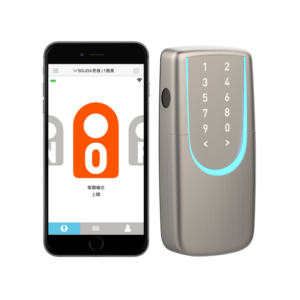
SGUDA App | Fingerprint | Learn More
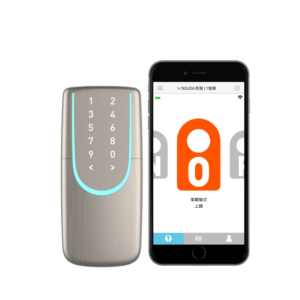
SGUDA App | Passcode | Learn More