Can Smart Locks Work During a Power Outage? Yes.
“Will my smart lock still work during a power outage?” “What happens if the smart lock itself runs out of battery?” These are common concerns before buying a smart lock.
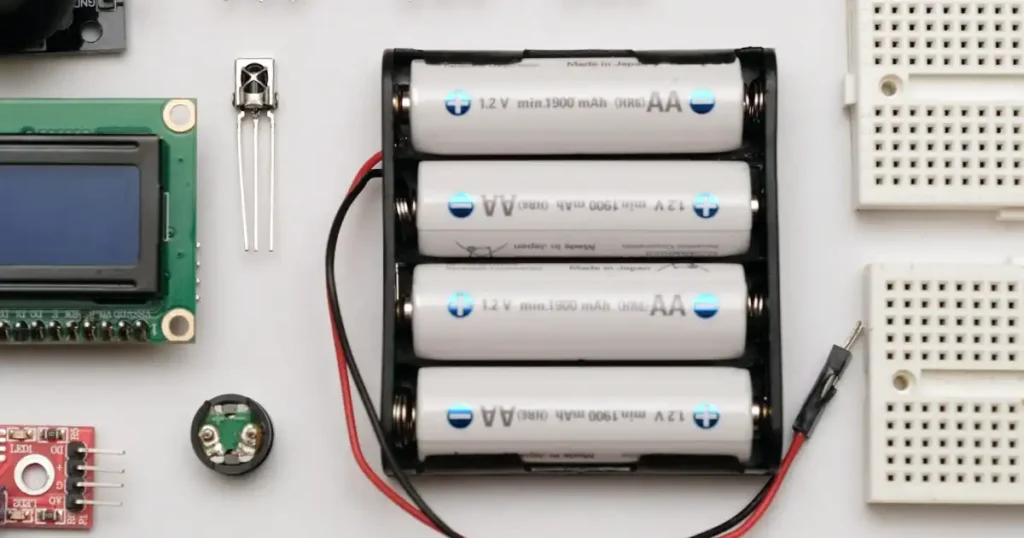
The answer is: Yes, you can still unlock the door. Smart locks are powered by their own internal batteries, so they do not rely on your home’s electricity supply.
To understand what happens during a power outage, simply separate these two situations:
Unlocking at the door (fingerprint, PIN code, or RFID card): A home power outage does not affect these functions. As long as the batteries inside the lock still have power, you can unlock the door normally.
Remote unlocking through the mobile App: If a power outage causes your home Wi-Fi router to go offline, remote access may temporarily become unavailable. However, once you are at the door, you can still use supported local methods such as fingerprint, PIN code, or Bluetooth to unlock it.
What If the Smart Lock Itself Runs Out of Battery?
Compared with a household power outage, a completely drained smart lock battery is the situation you actually need to prepare for.
If you forget to replace the batteries and the lock runs out of power, there are three backup options:
1. Use the Mechanical Key
Smart locks with a mechanical key cylinder provide a straightforward backup option. If the electronic system has completely lost power, simply use the physical key to unlock the door.

Tip: Keep at least one spare key somewhere accessible, such as in your car, office, or with a trusted family member. Avoid keeping every spare key inside your home.
2. Use a Power Bank for Type-C Emergency Power
Some smart locks include an external emergency power port. SGUDA smart locks with Type-C emergency power support can be temporarily powered using a compatible external power source.
Connect a power bank to the emergency power port, unlock the door using your normal access method, and replace the internal batteries once you are inside.
3. Replace the Batteries When You Receive a Low-Battery Alert
Before the batteries are completely drained, the smart lock can provide a low-battery warning, such as an audible alert or an App notification, depending on the model.
Replacing the batteries as soon as you receive the warning is the simplest way to avoid being locked out.
Home Power Outage ≠ Dead Smart Lock Battery
A household power outage does not mean your smart lock has lost power.
As long as the lock’s internal batteries are working, supported local unlocking methods can continue to operate. What may be temporarily affected is your home network—and therefore features that depend on an internet connection.
When choosing a smart lock, convenience is important, but backup access is just as essential for everyday reliability.
SGUDA smart locks are designed with backup options such as low-battery alerts, emergency power, and mechanical key access, depending on the model, helping you stay prepared even when unexpected power issues occur.