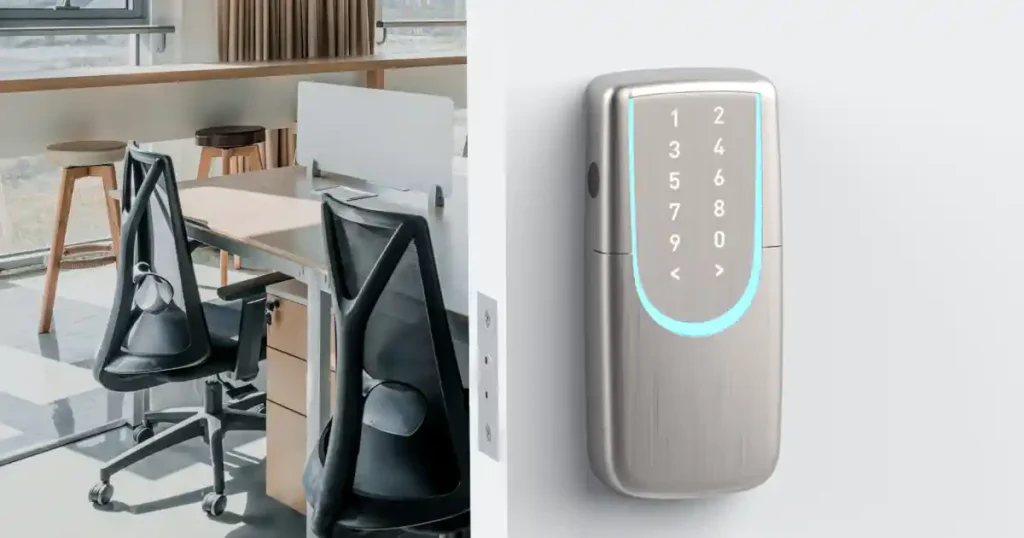
With employees, managers, and visitors coming and going every day, managing traditional keys can be a hassle. Lost keys and employee turnover can also create security concerns.
Upgrading to a smart lock simplifies office security by combining access control, entry logs, and flexible user permissions in one solution.
Here are the key features to consider when choosing a smart lock for your office.
Why Should Offices Install Smart Locks?
Unlike residential properties, offices accommodate a wide range of users, including managers, full-time employees, part-time staff, cleaning personnel, and temporary visitors.
Traditional keys often create several management challenges:
- Complicated Key Management: Additional keys are needed for new employees, and keys must be collected when employees leave.
- No Access Records: It is difficult to track exactly who entered the office and when.
- Limited Access Control: Traditional keys cannot restrict access based on job roles or working hours.
- Inconvenient Visitor Access: Someone must be physically present to unlock the door for visitors or external contractors.
When choosing an office smart lock, the priority should be simplifying user management and access control.
How to Choose an Office Smart Lock? 4 Essential Features
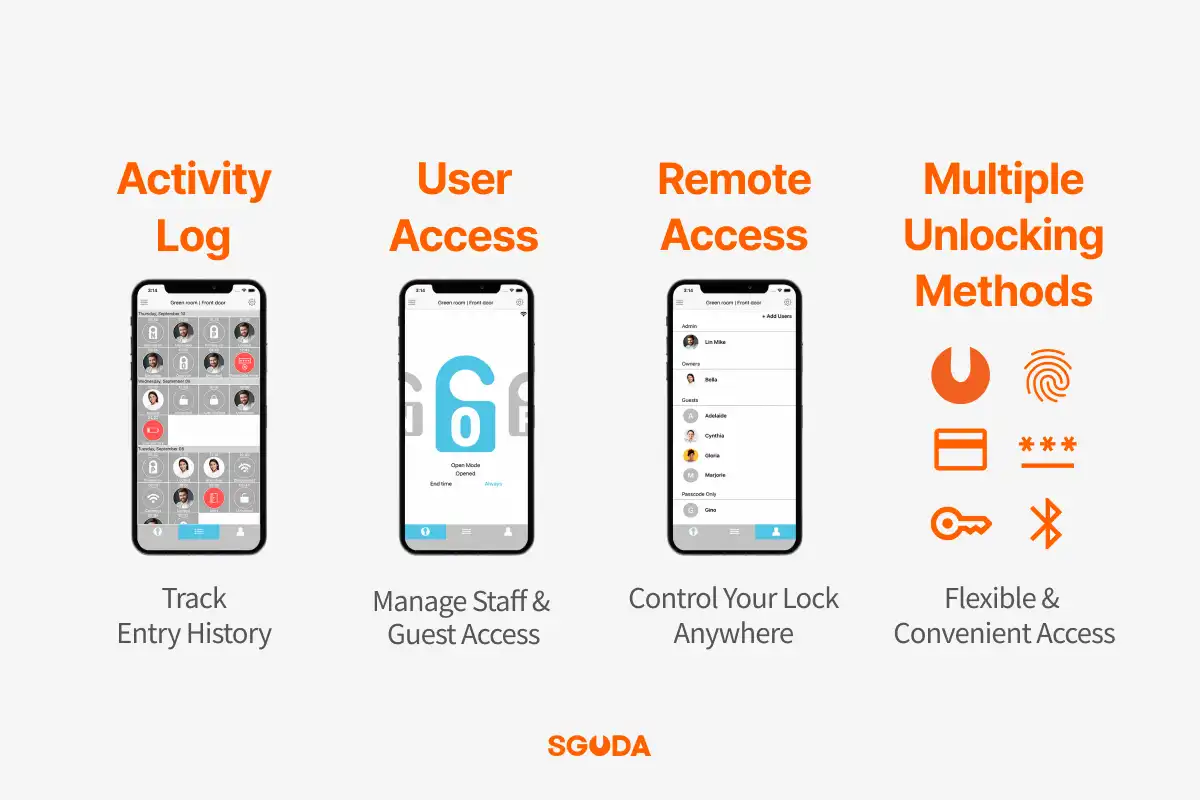
1. Access Logs | Track Entry Times and Users
Smart locks with access history features allow administrators to check entry times and user records directly through a mobile app, reducing the need to review security camera footage.
2. Multi-User Access Management | Different Permissions for Different Users
Assign different unlocking methods and access schedules based on each user’s role:
- Managers: Permanent access permissions.
- Employees: Access during designated working hours.
- Cleaning Staff: Access only on specified days or during scheduled time slots.
- Temporary Visitors: One-time or temporary access codes.
This eliminates the need to distribute physical keys and helps reduce the risk of unauthorized access.
3. Remote App Management | Control Access from Anywhere
With Wi-Fi-enabled remote management, administrators can unlock office doors, add users, or revoke access permissions directly through a mobile app, even when no one is on-site.
This significantly reduces administrative work and unnecessary trips to the office.
4. Multiple Unlocking Methods | Flexible and Convenient Access
Different employees have different preferences. Choosing a smart lock that supports fingerprint recognition, PIN codes, and RFID cards allows everyone to use their preferred unlocking method.
Employees no longer need to carry traditional keys or worry about being locked out after forgetting them.
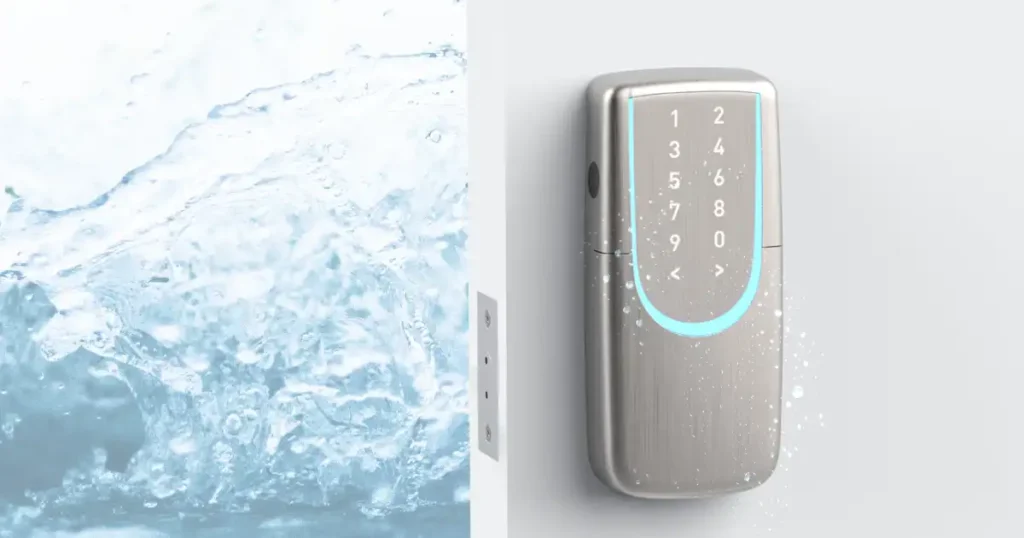
Recommended Office Smart Lock | SGUDA SU-FP6 Smart Auxiliary Lock
① Multiple Unlocking Methods
Supports fingerprint recognition, PIN codes, RFID cards, mechanical keys, and app-based unlocking, offering flexibility for different employees.
② Access History via Mobile App
The Activity Log feature allows administrators to review unlocking history and monitor office access.
③ Flexible Multi-User Access Permissions
The User Access feature offers three permission types:
- Always: Permanent access permissions.
- Schedule: Access during specific dates and time periods.
- Repeat: Recurring access based on a weekly schedule.
These settings make it easy to manage full-time employees, shift workers, and regularly scheduled cleaning staff.
④ Wi-Fi Remote Management
With built-in Wi-Fi connectivity, administrators can remotely manage the lock, adjust user permissions, and unlock the door through a smartphone.
⑤ Made in Taiwan | 2-Year Warranty
Manufactured in Taiwan, the SGUDA SU-FP6 comes with a 2-year manufacturer’s warranty, providing reliable after-sales service, maintenance, and parts support.
What Types of Offices Are Suitable for the SGUDA SU-FP6?
If your office has any of the following needs, the SU-FP6 is worth considering:
| Office Scenario | Recommended Features |
|---|---|
| Small Businesses & Studios | Multi-user access without traditional keys |
| Offices with Shift Workers | Scheduled and recurring access permissions |
| Offices with Frequent Staff Changes | Add or remove users through the app |
| Offices with Cleaners or Contractors | Temporary PIN codes and visitor access |
| Managers Who Frequently Work Off-Site | Remote unlocking and access history |
Office Smart Lock FAQ
Can a smart lock be used as an employee time clock?
The SU-FP6 provides access logs that can help administrators review employee entry times. However, these records are not a substitute for a dedicated employee attendance system.
Do I need to replace the smart lock when an employee leaves?
No!
Administrators can revoke an employee’s electronic access permissions directly through the app, eliminating the need to replace the entire smart lock whenever staff members leave.
Can different employees have different access schedules?
Yes!
The SU-FP6 supports scheduled and recurring access permissions, making it suitable for employees working different shifts or schedules.
Can the SU-FP6 be installed on an existing office door?
Compatibility depends on door thickness, door type, existing lock holes, and available space around the door frame.
We recommend providing photos and measurements of your door before installation so our team can evaluate compatibility.
Interested in Purchasing the SGUDA SU-FP6?
Contact us via LINE to learn more about the product, retail opportunities, distribution, and potential business partnerships.