As travel and accommodation habits continue to change, self check-in has become increasingly common for Airbnb, vacation rentals, and short-term rental properties. In the post-pandemic era, demand for contactless experiences, flexible arrival times, and remote property management has made it less necessary for hosts to be physically present for every check-in.
Airbnb describes self check-in as allowing guests to access a property without the host being present, using options such as a lockbox, smart lock, keypad, or 24-hour building staff.
While self check-in eliminates many face-to-face key handoffs, hosts still need an effective way to manage guest access.
1. Guests Get Locked Out
A guest arriving late at night may discover that they forgot their key or accidentally left it inside the property.
With a traditional lock, hosts usually need a spare-key plan or someone nearby who can assist the guest.
With a passcode or smart lock, guests do not need to carry a physical key. If remote access is supported, hosts may also be able to help guests enter without traveling to the property.
2. Guests Lose the Key
A lost physical key creates more than an inconvenience. Hosts may need to replace the key and consider whether the missing key creates a security risk.
With a smart lock, hosts can instead change or remove a guest’s passcode or access permission. After checkout, the previous access can be removed and new access created for the next guest.
This is particularly useful for Airbnb and short-term rentals where guests change frequently.
3. The Lock Stops Working
Both traditional and smart locks should have a backup plan in case something goes wrong.
A traditional lock failure may require a locksmith or repair service. When choosing a smart lock, having an alternative such as a mechanical backup key can provide emergency access if electronic functions become unavailable.
How Can Smart Locks Make Self Check-in Easier?
For Airbnb and rental hosts, the main advantage of a smart lock isn’t simply going keyless. It is the ability to manage access for different guests remotely.
For example, hosts can provide a time-limited passcode before arrival, allowing guests to check in without waiting for an in-person key exchange.
| Feature | Benefit for Airbnb & Rental Hosts |
|---|---|
| Time-Limited Passcodes | Set access according to the guest’s stay |
| Remote Passcode Management | Provide access without exchanging physical keys |
| App Access | Grant guests mobile access remotely |
| Remote Lock / Unlock | Assist guests without being at the property |
| Activity Logs | Review lock activity and access records remotely |
| Mechanical Backup Key | Provides an emergency backup access method |
Simplify Airbnb & Rental Management with SGUDA
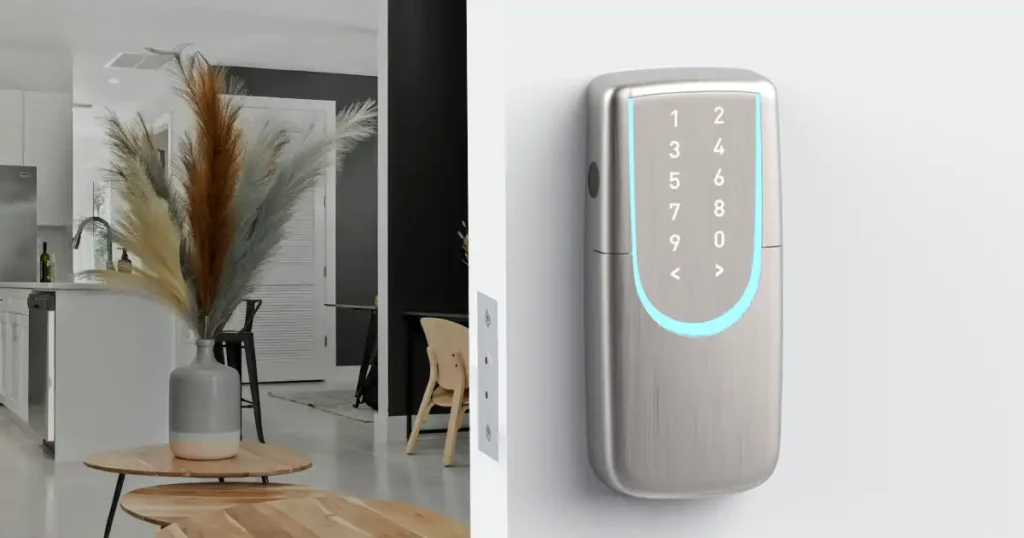
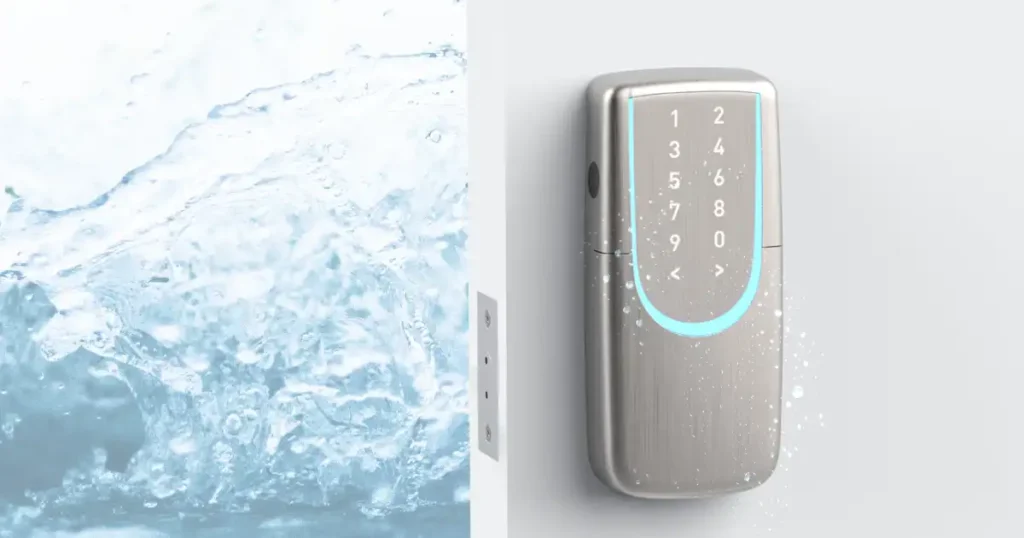
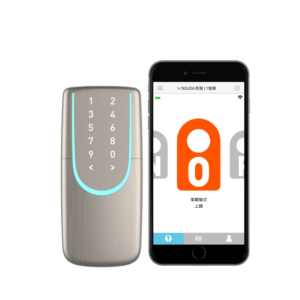
The SGUDA SU-W6 is particularly suitable for Airbnb, vacation rentals, and short-term rental properties where users change frequently.
Before guests arrive, hosts can create time-limited access, while the SGUDA App supports remote passcode management, mobile access permissions, remote lock/unlock, and activity logs. After checkout, access can be changed or removed, reducing the need to exchange, recover, or replace physical keys.
- Wi-Fi Management: Manage check-ins even when you’re abroad!
- Guest Passcodes: Reduce the hassle of handing over access cards.
- Activity Logs: Check whether guests have arrived and accessed the property.
- Emergency Power & Mechanical Key: Access the property even when the batteries run out.
We recommend…
SGUDA App|passcode|more..