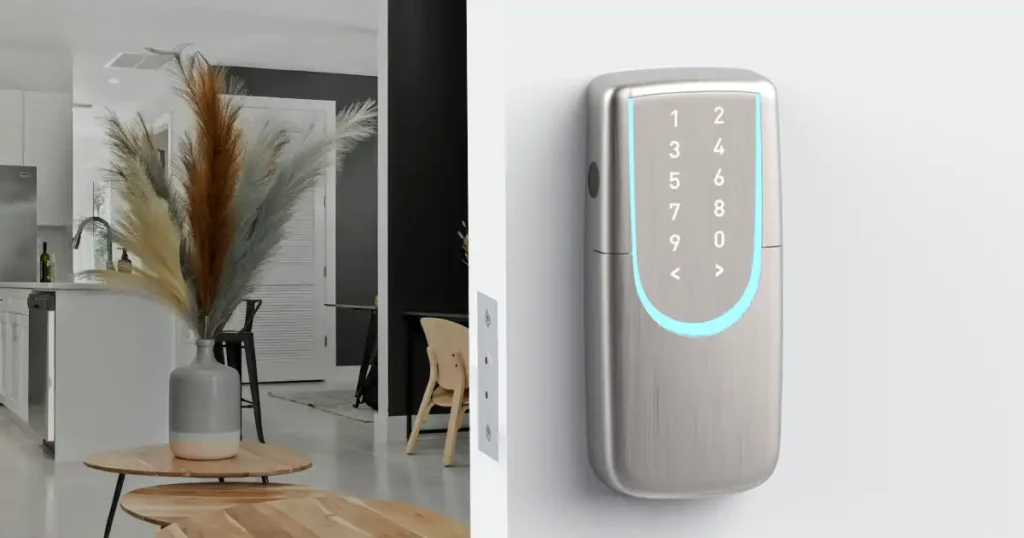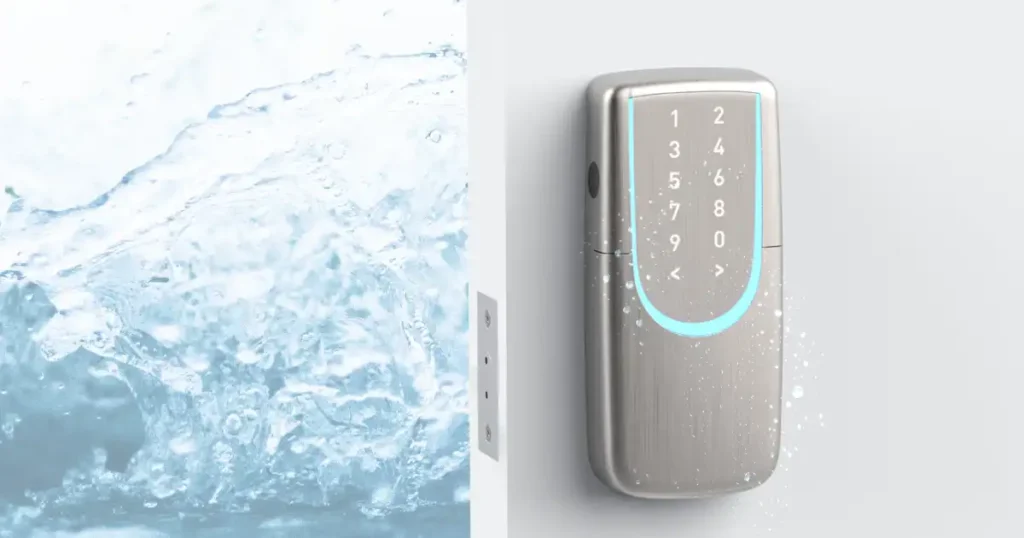
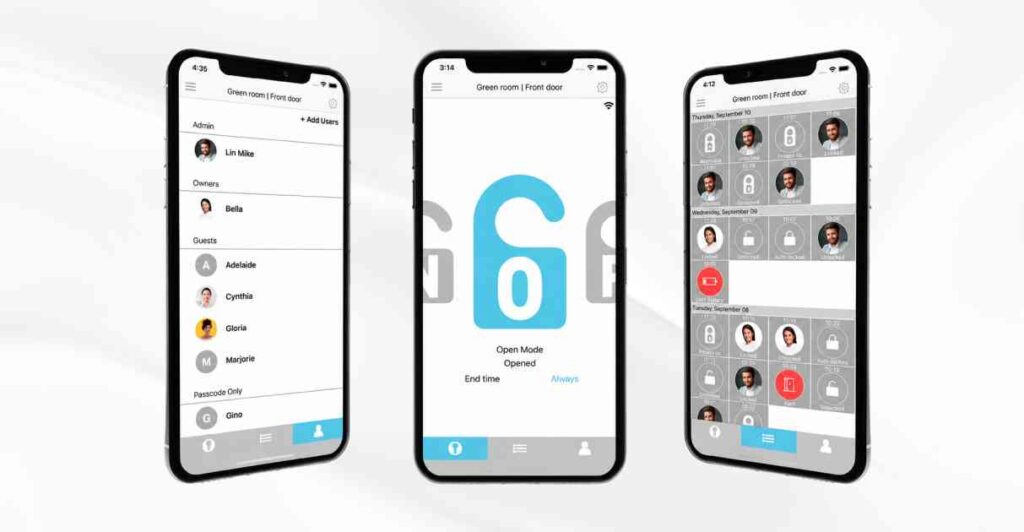
A smart lock can do much more than fingerprint or card unlocking.
With the SGUDA App, your smartphone becomes a convenient access management tool—allowing you to remotely control your door lock, manage user access, and check activity logs from one place.
Remote Lock and Unlock
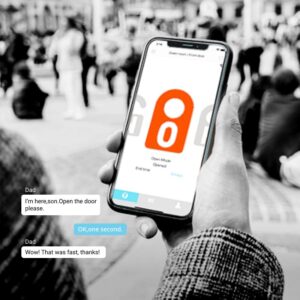
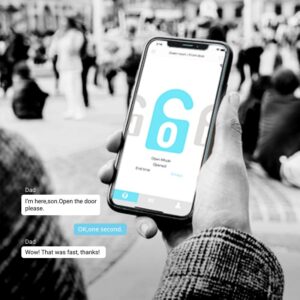
Unlock your door even when you’re away.
If a family member forgets their key, a guest arrives earlier than expected, or someone needs emergency access, there’s no need to rush home.
Simply open the SGUDA App to remotely lock or unlock the door, giving you greater flexibility wherever you are.
Check Your Lock Status in Real Time
With the SGUDA App, you can check your smart lock’s connection and current status without having to be physically present.
Combined with remote control features, managing your door lock while you’re away becomes much easier.
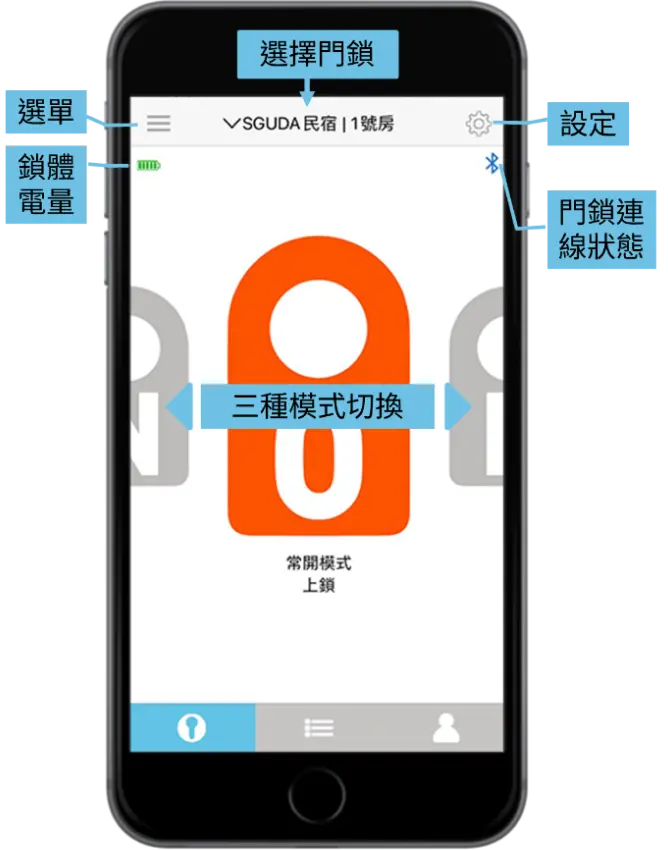
4 Lock Modes
Note: Custom Mode (C) is not available on older lock models.
Your smart lock doesn’t have to operate the same way all day. Choose a mode that fits different situations and daily routines.
Normal Mode (N)
The door automatically locks after closing. Best for: everyday use.
Open Mode (O)
Keeps the door unlocked for easier access.
Ideal for situations such as house parties, office hours, or spaces where people frequently enter and leave.
Private Mode (P)
Restricts access when greater privacy or access control is needed.
For example, an office can use Private Mode during a meeting to restrict access by general staff.
Custom Mode (C)
Set specific operating times based on your needs.
For example, offices can schedule lock operation around business hours, reducing repetitive manual adjustments.
Activity Log
When a smart lock is shared by multiple users, knowing when and how the lock was used can be just as important as controlling who can unlock it.
The Activity Log in the SGUDA App records information such as:
- Door opening and closing activity
- Lock mode changes
- Wi-Fi connection and disconnection
- Locking failures or continuous motor operation alerts
This helps administrators keep track of lock activity over time.
It can be useful for:
- Monitoring household access
- Office employee access records
- B&Bs and rental properties
- Shared spaces with multiple users
User Access & Scheduled Access
User Access
SGUDA smart locks can store up to 100 users.
Access permissions are divided into three levels: Admin, Owner / Master, and Guest, making it easier to control who can access and manage the lock.
| Feature | Admin | Owner / Master | Guest – Password & App | Guest – Password Only |
|---|---|---|---|---|
| Create or delete Owners, Guests and password users | ● | |||
| Select lock modes | ● | |||
| Create or delete Guests and password users | ● | ● | ||
| Configure auto-lock time, sound, lighting, etc. | ● | ● | ||
| View lock activity | ● | ● | ||
| Remote lock / unlock via App | ● | ● | ● | |
| Unlock with password | ● | ● | ● | ● |
Admin
The first person who successfully pairs a smartphone with the lock becomes the Admin.
Each lock can have only one Admin. The Admin cannot be deleted, but Admin access can be transferred to another user’s smartphone.
Recommended for: homeowners, primary household managers, or the person responsible for office access.
The Admin has the highest level of control, including managing Owners and Guests, transferring Admin privileges, and configuring system settings.
Owner / Master
Owners have full everyday access along with basic management permissions.
They can lock and unlock the door, view activity records, and add or remove Guest access. However, they cannot change certain system-level settings or transfer Admin privileges.
Recommended for: family members, spouses, adult children, or office managers.
Guest
Guests only receive permission to unlock the door. They cannot access lock settings or view other users’ activity.There are two types of Guest access:
- Password Guest: Unlocks the door using an assigned PIN code.
- Password + App Guest: Can unlock using either a PIN code or the SGUDA App.
Recommended for: visiting family and friends, cleaners, babysitters, B&B guests, or temporary users.
Blocked
The user who’s been blocked has no permission to the door.
Scheduled Access
Instead of sharing one password with everyone or making multiple physical keys, you can assign each user their own access method and permitted access times.
Always
Allows access at any time.
Recommended for: family members or permanent employees.
Schedule
Set specific start and end dates. Access automatically expires when the scheduled period ends.
Up to 3 scheduled time periods can be configured at once.
Example: If a friend is staying over on June 6 and August 8, you can set access for those dates in advance. Their access will automatically expire afterward.
Repeat
Allow access only on specific days and during specific hours each week.
Up to 3 recurring time periods can be configured at once.
Example: If a cleaner visits every Tuesday and Friday afternoon, you can grant access only during those specific periods.
Remove Access Instantly—No Need to Collect Keys or Change the Lock
When a roommate moves out, an employee leaves the company, or a guest checks out, there’s no need to collect a physical key or worry about unauthorized copies.
Simply remove that user’s access through the SGUDA App.
This makes access management faster and reduces the risks associated with lost or copied physical keys.
With SGUDA App, everyday access and user management can all be handled directly from your smartphone.
Built-in Wi-Fi — No Extra Hub Required
Some smart locks require an additional Wi-Fi Bridge or Hub to enable remote features.
SGUDA U-Lock has Wi-Fi built directly into the lock, eliminating the need for an additional Wi-Fi Hub.
Through the SGUDA system, users can:
- Check lock status
- Remotely lock and unlock the door
- View activity logs
- Manage the smart lock
This takes your smart lock beyond simple keyless entry and turns it into a remotely manageable access solution.
Explore Our Smart Locks
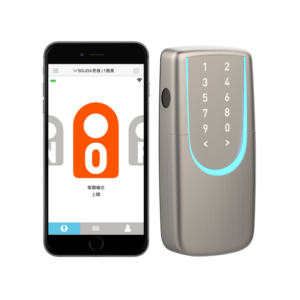
SGUDA App | Fingerprint | Smart Access
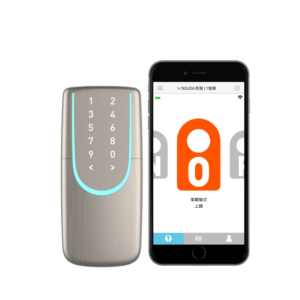
SGUDA App | PIN Code | Smart Access